I denne artikel:
Activating eSIM on Samsung Watch
See the attached video on how to activate eSIM, or follow the guide below.
- Open the app Wearable on your phone. If it is not already on your phone, download it from Google Play.
- Klik på Indstillinger for ur.
- Click on Mobile subscriptions.
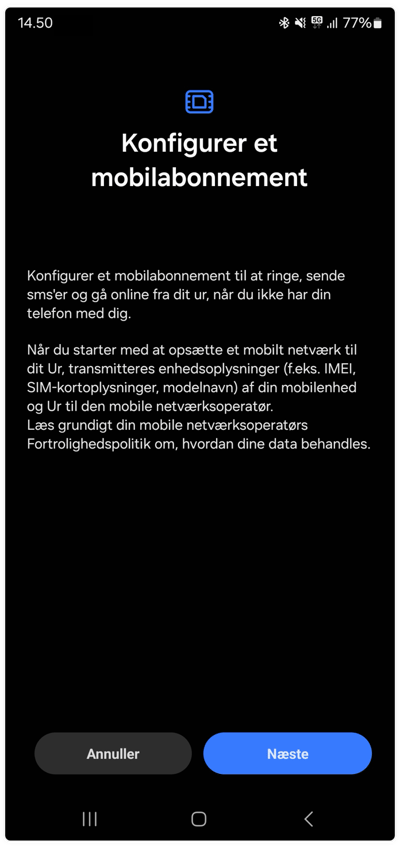
- Here you will be able to configure a mobile subscription. Click the blue "Next"
- Read and accept the terms and conditions, then press the "Add eSIM Watch for DKK 9/month" button.
- Watch eSIM activation is in progress. This may take a few minutes
- Press the "Activate on phone/watch" button.
- When the activation is complete, you will see "Dstny subscription configured", and you should finally click the Done. You can then see that the subscription is active and the service is operational.
- Your eSIM for Samsung Watch is now ready to use.
How do I install eSIM on Apple Watch?
Instructions can be found her.
You may also read our FAQ page if you have further questions about eSIM for Watch.
Comments
0 comments
Article is closed for comments.